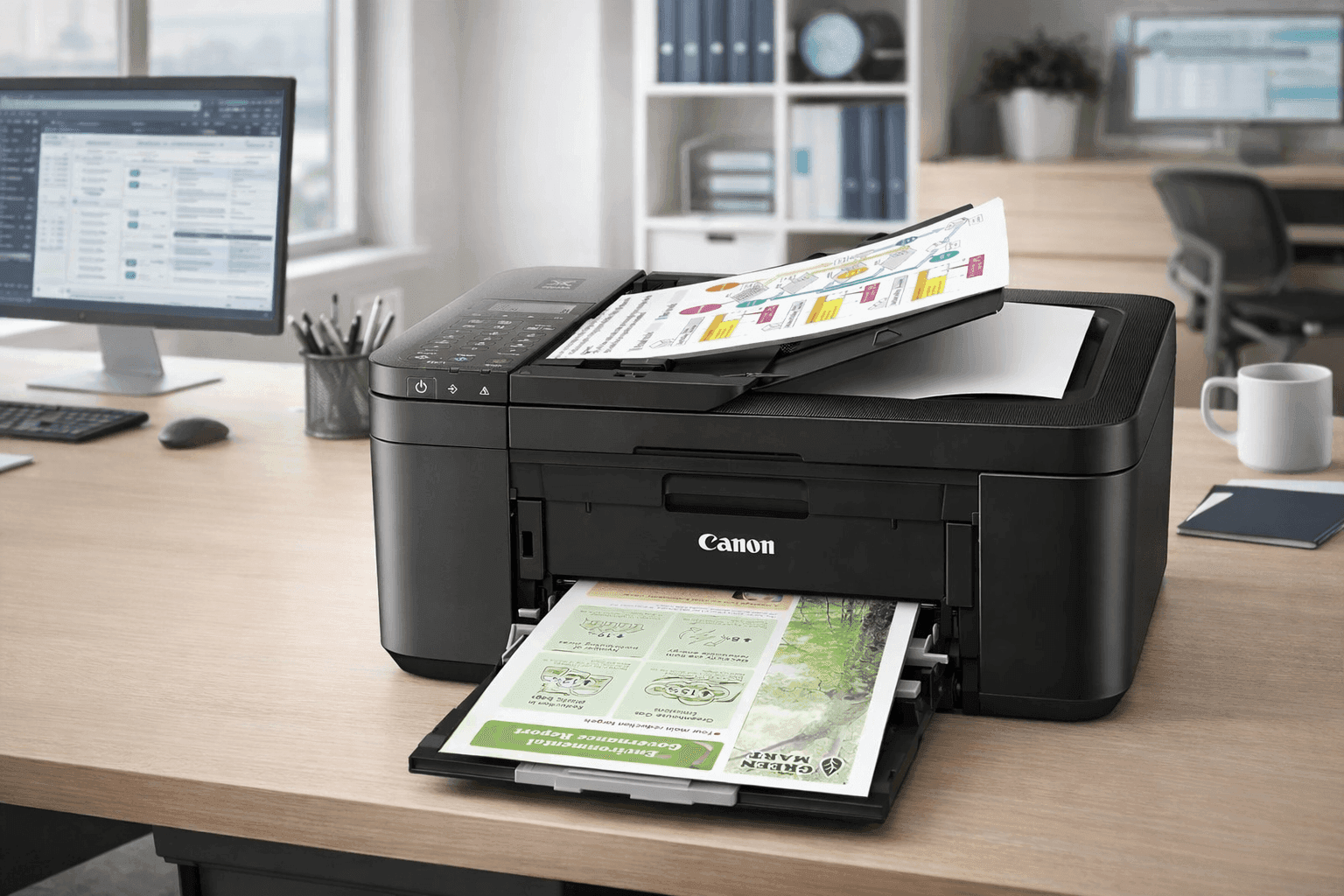
A budget printer that doesn’t frustrate you every week sounds like a myth—but the Canon PIXMA TR4720 All-in-One Wireless Printer comes surprisingly close.
Designed for students, home offices, and light everyday use, this compact device handles printing, scanning, copying, and faxing without taking over your desk. You get wireless convenience, automatic duplex printing, and decent photo output—all at a price that often sits under $100.
Still, low upfront cost can hide long-term expenses, especially with ink. That’s where a closer look helps. From real-world performance to running costs, this breakdown covers what actually matters so you can decide if it fits your setup. Let’s
Canon PIXMA TR4720 All-in-One Wireless Printer Overview
The Canon PIXMA TR4720 All-in-One Wireless Printer is a 4-in-1 inkjet built for light-duty use. It combines printing, scanning, copying, and faxing into a compact frame measuring about 17.2 x 11.7 x 7.5 inches and weighing 12.7 lbs.
Key highlights:
- Auto duplex (double-sided printing)
- 20-sheet automatic document feeder (ADF)
- Wireless, USB, and Wi-Fi Direct connectivity
- Mobile printing via AirPrint, Mopria, and Canon PRINT app
In everyday use, the setup is straightforward. The wireless connection tends to be stable, especially on 2.4 GHz networks, though initial pairing may take a few extra minutes if your router has dual-band switching.
Canon PIXMA TR4720 Price and Ink Cost Breakdown
The Canon PIXMA TR4720 price is one of its biggest selling points. On Amazon US, it typically ranges:
- Regular price: $79–$99
- Sale price: $59–$79
That makes it one of the more accessible best budget all-in-one printer options available.
However, ink costs tell a different story:
- Standard black cartridge: $20–$25 (~180 pages)
- Standard color cartridge: $25–$30
- XL black cartridge: $30–$40 (~400 pages)
From experience, printing school documents and occasional color pages can burn through cartridges faster than expected. If you print weekly, ink becomes the real expense—not the printer.
Setup Experience and First Impressions
Out of the box, setup is simple and beginner-friendly. You get:
- Starter ink cartridges
- Power cord
- Phone cable (for fax users)
- Documentation
The starter cartridges are low-yield, so you’ll likely need replacements sooner than expected.
During testing, the Canon PRINT app guided the setup well. It’s not the fastest process, though. Expect about 10–15 minutes from unboxing to first print if everything goes smoothly.
Print Quality and Speed Performance
If you’re searching for a Canon PIXMA TR4720 review, print quality is one area where this model performs reliably for its class.
Specs:
- Resolution: up to 4800 x 1200 dpi
- Black speed: 8.8 images per minute
- Color speed: 4.4 images per minute
Text prints are sharp and readable, even on standard paper. For essays, invoices, and forms, it gets the job done cleanly.
Color prints look vibrant enough for casual use. Photos printed on glossy paper show decent detail, though darker tones can appear slightly muted.
Speed is where limitations show. Larger print jobs take time, so this isn’t ideal for heavy workloads.
Wireless Printing and Mobile Compatibility
The wireless all-in-one printer for home use category is crowded, but this model covers the essentials well.
You can print using:
- Apple AirPrint
- Mopria (Android)
- Canon PRINT app
- Wireless Direct (no router needed)
- Voice commands via Alexa or Google Assistant
In real-world use, mobile printing works consistently once connected. Sending documents from your phone feels seamless, especially for quick tasks like boarding passes or homework.
One downside: the interface uses a 2-line LCD with physical buttons. It works, but it feels outdated compared to touchscreen competitors.
Paper Handling and Media Support
Paper capacity is modest but practical for home use:
- Input tray: 100 sheets
- Output tray: ~30 sheets
- ADF: 20 sheets (letter), 5 sheets (legal)
It supports:
- Plain paper
- Photo paper
- Envelopes
- Specialty media
For students or remote workers, the ADF is a standout feature. Scanning multiple pages without manual flipping saves time and effort.
Scanning, Copying, and Fax Features
This Canon wireless printer scanner copier fax setup is surprisingly capable for the price.
Scanning:
- Resolution: 600 x 1200 dpi
- Flatbed + ADF flexibility
Copying:
- Up to 99 copies per job
Fax:
- Speed: 33.6 kbps
- Memory: up to 50 pages
For most households, fax won’t be used often. Still, it’s useful for small businesses or document-heavy tasks.
From experience, scanning documents through the ADF is smooth and reliable. It handles multi-page PDFs without frequent jams.
Photo Printing: Good Enough for Everyday Use
If you’re looking for a Canon PIXMA TR4720 photo printing quality breakdown, here’s the reality:
This is not a professional photo printer—but it doesn’t need to be.
It supports borderless printing in sizes like:
- 4x6
- 5x7
- 8x10
- Letter
Photos look clean and colorful for casual use like scrapbooks or family prints. For social media or basic framing, the results are more than acceptable.
Pros and Cons You Should Know
Advantages
- Affordable upfront cost
- Includes ADF and fax (rare at this price)
- Solid print quality for documents
- Reliable wireless printing
- Compact and space-saving
Limitations
- High ink cost over time
- Slower print speeds
- Basic display interface
- Not built for heavy monthly use
From a practical standpoint, the biggest concern is long-term cost. If you print frequently, you’ll feel it.
Who Should Buy the Canon PIXMA TR4720?
This printer fits specific users really well:
- Students printing assignments occasionally
- Home users with light printing needs
- Budget-conscious buyers
- People needing scanning and fax in one device
It’s less suitable for:
- High-volume printing
- Offices with daily heavy use
- Users wanting low-cost ink solutions
In simple terms, it’s ideal for light workloads where convenience matters more than efficiency.
Real-World Use Case: What It’s Like Day-to-Day
After regular use in a home setup, a few patterns stand out:
- Great for quick, occasional prints
- Easy to use once set up
- Ink runs out faster than expected
- Scanning multiple pages is surprisingly smooth
For example, printing school modules, returning signed forms, and scanning IDs all worked without hassle. The only consistent annoyance was replacing cartridges more often than expected.
Final Thoughts
The Canon PIXMA TR4720 All-in-One Wireless Printer offers strong value upfront and covers all essential features for home users. It handles everyday tasks well and includes extras like an ADF and fax that many budget models skip.
That said, ink costs are the trade-off. If printing is occasional, this won’t be a major issue. If printing is frequent, a higher-end model with better efficiency might make more sense.
If you want something simple, affordable, and reliable for light use, this printer is a practical choice. You can explore current pricing and user feedback on Amazon, and check out similar models to compare features before deciding.